Top 6 rotasheet.com Alternatives for Workforce Management 2026
Explore 6 rotasheet.com alternatives for effective workforce management solutions, helping you choose the right scheduling software for your organisation.

Managing staff rotas across multiple sites with live updates and compliance needs is time-consuming and prone to mistakes. Many options restrict vital features such as real time conflict detection, payroll integrations, or require contacting sales for transparent pricing. This comparison weighs pricing, scheduling controls, and mobile tools so managers can match the best software to their team size and sector.
Table of Contents
TimeProf
At a Glance
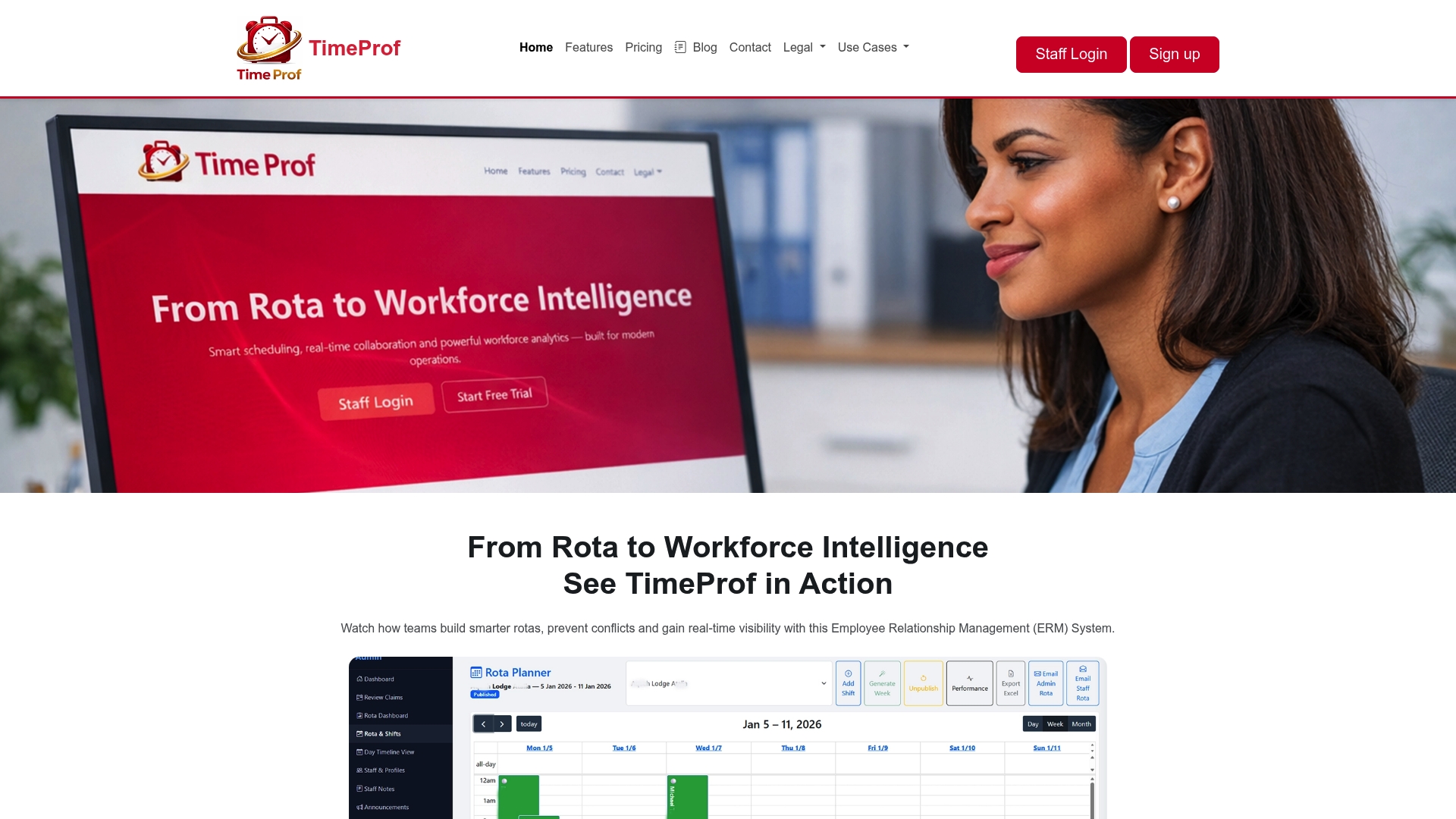
Starts at £3.99 per staff per month with a £99 setup fee for certain plans. The platform combines real time rota updates with geofence protected clock in and audit ready compliance reporting. TimeProf targets organisations that run rotas across multiple sites and need a mobile friendly staff portal.
Core Features
TimeProf provides real time staffing across multiple sites, automatic shift validation against staff availability and skills, and geofence protected time tracking that limits clock in to authorised locations. The system includes role based access for managers and staff, a mobile friendly rota calendar, shift linked tasks, and tools for annual leave, open shifts and shift claims. It also records audit trails, supports structured onboarding, offers two factor authentication, tenant branding and central administration for multi tenant deployments.
Key Differentiator
The standout capability is AI driven conflict detection and fatigue scoring that flags risky schedules before they affect staff wellbeing or regulatory compliance. That scoring ties directly into automatic shift validation so flagged shifts require manager review. The combination of prediction and enforcement reduces manual rota checks.
Pros
TimeProf centralises scheduling and attendance so managers stop juggling spreadsheets, phone calls and separate apps. The platform mixes operational controls with workforce analytics and live multi site dashboards, which helps managers see coverage gaps and compliance risks quickly. Mobile staff self service, geofence protected clock in, and flexible tiered pricing with a free trial make it practical to pilot at a single site and then roll out across an estate.
Cons
- Some users report a steep onboarding curve and occasional difficulties with customisation during initial setup.
Who It’s For
HR and operations managers in medium to large organisations that run care, hospitality, security or cleaning services across several locations. Teams that must enforce skills checks, fatigue rules and audit trails will get the most value. Smaller single site teams may find the feature set heavier than they require.
Unique Value Proposition
Real time visibility across people, sites and daily operations is paired with audit ready compliance reporting and optional geofence verification for clock in. That specific mix reduces administration time and produces a single source of truth managers can trust during inspections or audits. The platform also supports structured onboarding and role based controls for delegated administration.
Real World Use Case
A multi site care provider used TimeProf to validate shifts automatically against staff availability and fatigue rules. Managers saw better shift coverage and fewer late cancellations because flagged conflicts were resolved before publication. The implementation reduced manual rota edits and improved compliance records for regulators.
Pricing
Pricing begins at £3.99 per staff per month with a £99 setup fee for Enterprise Standard options. The vendor advertises free trials and offers tailored enterprise plans with API access, integrations and dedicated account management where required.
Website: https://timeprof.co.uk
When I Work
At a Glance
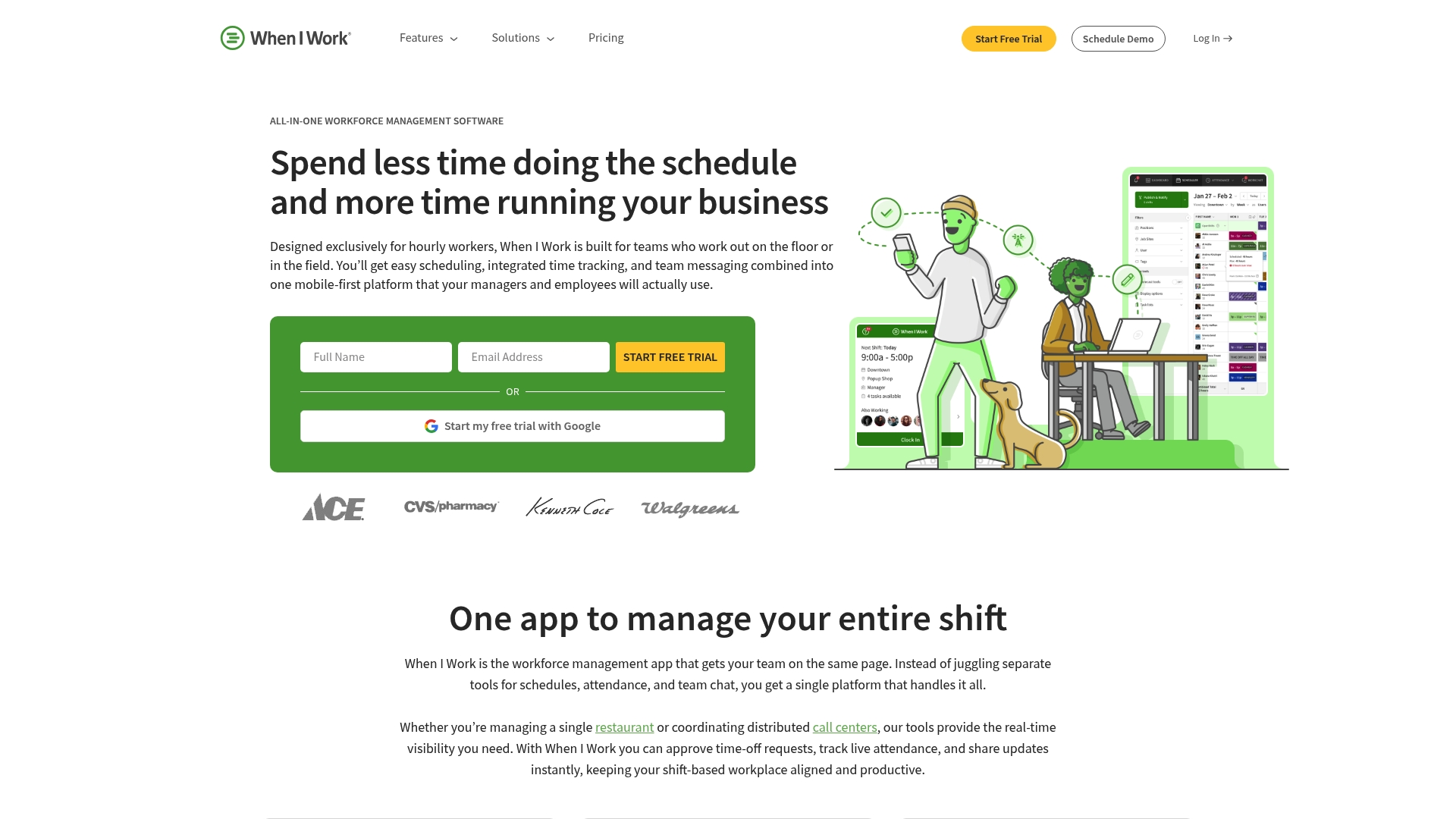
When I Work reports plans starting at $2.50 per user per month. The vendor also advertises a 14-day free trial for new accounts. The product targets shift based teams and emphasises a mobile first approach for managers and staff on the move.
Core Features
The app delivers employee scheduling that managers can create and share quickly, plus auto scheduling that uses availability and qualifications to fill shifts. It doubles as a device time clock and supports GPS and geofencing for location verified clock ins, and it includes team messaging so staff communicate without sharing personal numbers. Integrations with payroll, point of sale, and HR systems extend payroll and reporting workflows.
Key Differentiator
When I Work focuses squarely on hourly and shift work and designs its interface around mobile use for staff. That focus makes shift publishing, last minute swap handling, and on the go communications straightforward for single sites and multi site operations. The result is a product that scales from small retail shops to larger multi site employers while keeping common shift workflows front and centre.
Pros
The interface is straightforward and easy for managers and hourly staff to adopt. Pricing is affordable at small scale and that starting price helps small teams test the system without a large upfront cost. Scheduling, time tracking, and messaging live in the same product which reduces the need for separate apps. The vendor has a visible reputation for usability and the mobile app lets staff claim, swap, or accept shifts while away from a desktop.
Cons
-
Limited advanced customisation in lower tier plans may frustrate rosters with complex rules or strict compliance needs.
-
Some users report occasional bugs or glitches in the mobile app that affect shift edits or notifications.
-
Full functionality depends on internet access, making the app harder to use in low connectivity environments.
When It May Not Fit
If you require highly custom rule engines for complex workforce modelling, this product may feel restrictive. Organisations that need offline clocking or operations across sites with poor connectivity will face challenges. Teams that expect advanced features in the cheapest tier should budget for a higher plan.
Notable Integrations
- Rippling
- ADP
- QuickBooks
- Gusto
- Square Payroll
- Paychex
- Onpay
- Simplepay
Who It’s For
Managers of hourly, shift based teams in retail, hospitality, healthcare, or similar sectors. Small business owners who need a quick to adopt scheduling and time tracking tool. Multi site employers who want a mobile focused way to give staff visibility of shifts and communicate changes.
Real World Use Case
A retail chain uses When I Work to schedule staff across multiple stores and reduce manual planning time. Managers publish rotas and push instant notifications so staff see changes on their phones. The chain reports improved shift coverage and faster communication between managers and teams.
Pricing
When I Work reports plans starting at $2.50 per user per month for the Essentials plan. The vendor advertises a 14-day free trial so teams can test scheduling and clocking features. Detailed enterprise pricing and volume discounts are not publicly listed.
Website: https://wheniwork.com
Sling by Toast

At a Glance
Free for up to 30 users with paid tiers starting at $1.70 per user per month and a Business tier at $3.40. Sling combines shift planning, labour cost controls, time tracking and team messaging across web, iOS and Android. The platform suits multi‑location operations that need a straightforward scheduling tool and payroll integrations.
Core Features
Sling provides shift scheduling, employee availability, and swap management alongside time tracking and mobile clocking options. It includes labour cost management and budgeting, task lists and a staff newsfeed for announcements. Reporting covers labour analysis, sales-linked reports and payroll exports, while POS connectors keep scheduling and sales aligned.
Key Differentiator
Sling’s primary angle is an all in one approach that bundles scheduling, communication, time tracking and labour controls in one product. That combination makes it a simpler pick for small and medium operations that want fewer disconnected tools. Larger enterprise requirements sit outside that core audience.
Pros
The user interface is clear and quick to learn, which shortens training for managers and supervisors. Sling offers a free tier for small teams and mobile apps that let managers publish rosters and staff claim or swap shifts on the go. Its POS integrations, including Toast POS and Square POS, reduce duplicate data entry for payroll and sales reconciliation.
Cons
- Complex pricing tiers can be confusing when you compare features across plans. This may slow procurement decisions.
- Some smaller teams report limits in deep customisation for niche workflows. That can require process workarounds.
- Third party reviews note occasional delays in customer support response times.
When It May Not Fit
If you run a large enterprise with complicated shift rules, multi skill requirements, and strict audit workflows, Sling may feel narrow. Organisations that need heavy API customisation or a dedicated account team should consider more enterprise focused vendors. Also, if rapid vendor support response matters to you above all, check service terms closely.
Notable Integrations
- Toast POS
- Shopify
- Square POS
- Harbortouch
- Restaurant Manager
- POSiTouch
Who It’s For
Sling fits small and medium sized businesses in hospitality, retail, healthcare and other service sectors that need centralised rota management. It suits operators with multiple sites who want straightforward rostering, labour visibility and payroll connectivity. If you manage front line teams and want fewer separate apps, Sling matches that brief.
Real World Use Case
A restaurant group uses Sling to publish weekly rosters across three sites, let staff swap shifts via mobile, and export hours to payroll. Managers check labour cost reports to compare scheduled labour with sales, then adjust future rotas to avoid overspend. The group reduced admin time on rostering and payroll exports.
Pricing
Free for up to 30 users. Premium at $1.70 per user per month and Business at $3.40 per user per month with annual billing discounts available. Specific feature access varies by plan, so review which plan includes payroll exports and advanced reporting.
Website: https://getsling.com
ZoomShift
At a Glance
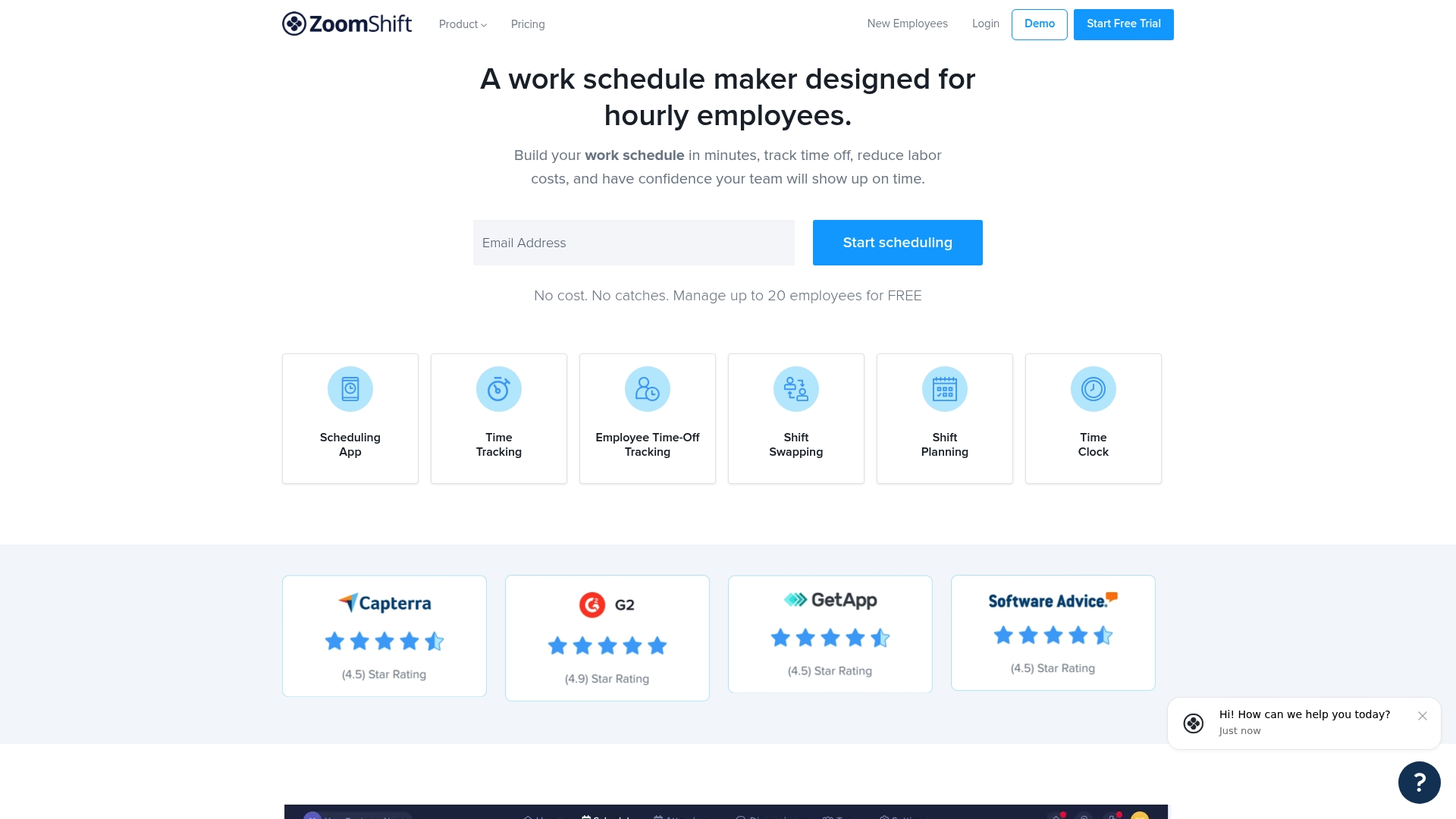
ZoomShift reports it is trusted by over 20,000 businesses across retail, food, and healthcare. The product targets hourly workforces and combines schedule building with mobile clocking and basic help with hiring. The vendor advertises a free plan for small teams and paid tiers that scale as headcount grows.
Core Features
Managers build schedules using templates and a drag and drop interface while staff use mobile apps to view and claim shifts. The platform includes a time clock for real time attendance, timesheet exports for payroll, and a simple approval workflow for time off and shift swaps. Team announcements and messaging live inside the app and the vendor mentions AI recruiting tools to help hiring.
Key Differentiator
The standout feature is the mix of role specific views, automated notifications and a GPS time clock aimed at mobile teams. That combination suits managers who must enforce location based attendance while keeping rotas editable on a phone. The product focuses on giving visibility to hourly work rather than covering appointments or clinical scheduling.
Pros
ZoomShift is straightforward to learn, so store managers and supervisors can pick it up quickly and start publishing rotas. The mobile apps and notifications reduce reliance on phone calls, which speeds shift swaps and daily edits. Pricing includes a free plan for very small teams and simple paid tiers for organisations that need multi location scheduling and basic payroll exports.
Cons
-
Limited scope: focuses on employee scheduling and time tracking. It does not handle patient or appointment bookings.
-
Reporting: some users want deeper reports for labour analysis and forecasting, which are not as detailed as enterprise tools.
-
Advanced automation: auto scheduling and higher end features require higher tier plans.
When It May Not Fit
Organisations that need clinical appointment management or patient records should look elsewhere. Firms that require advanced analytical reporting or sophisticated fatigue and compliance controls will find the reporting sparse. Teams with unreliable internet connections will encounter limits because real time updates need an active connection.
Who It’s For
Small and medium-sized organisations with hourly staff will get the most value from ZoomShift. Store managers, restaurant general managers, and service supervisors who need rapid rota edits and mobile clocking will find it practical. Teams that want a low cost entry point for scheduling will appreciate the free tier.
Real World Use Case
A multi store retail chain runs schedules across several sites, uses the GPS time clock to confirm on site starts, and exports timesheets to payroll each week. Managers publish templates so weekend shifts auto populate, and employees swap shifts through the app with manager approval. That saves scheduling hours and reduces late shift no shows.
Pricing
ZoomShift offers a free plan for teams of up to 20 employees. Paid plans start at $2 per active user per month for the Starter tier and rise to $4 for Premium, with enterprise options available for larger deployments.
Website: https://zoomshift.com
Shiftbase
At a Glance
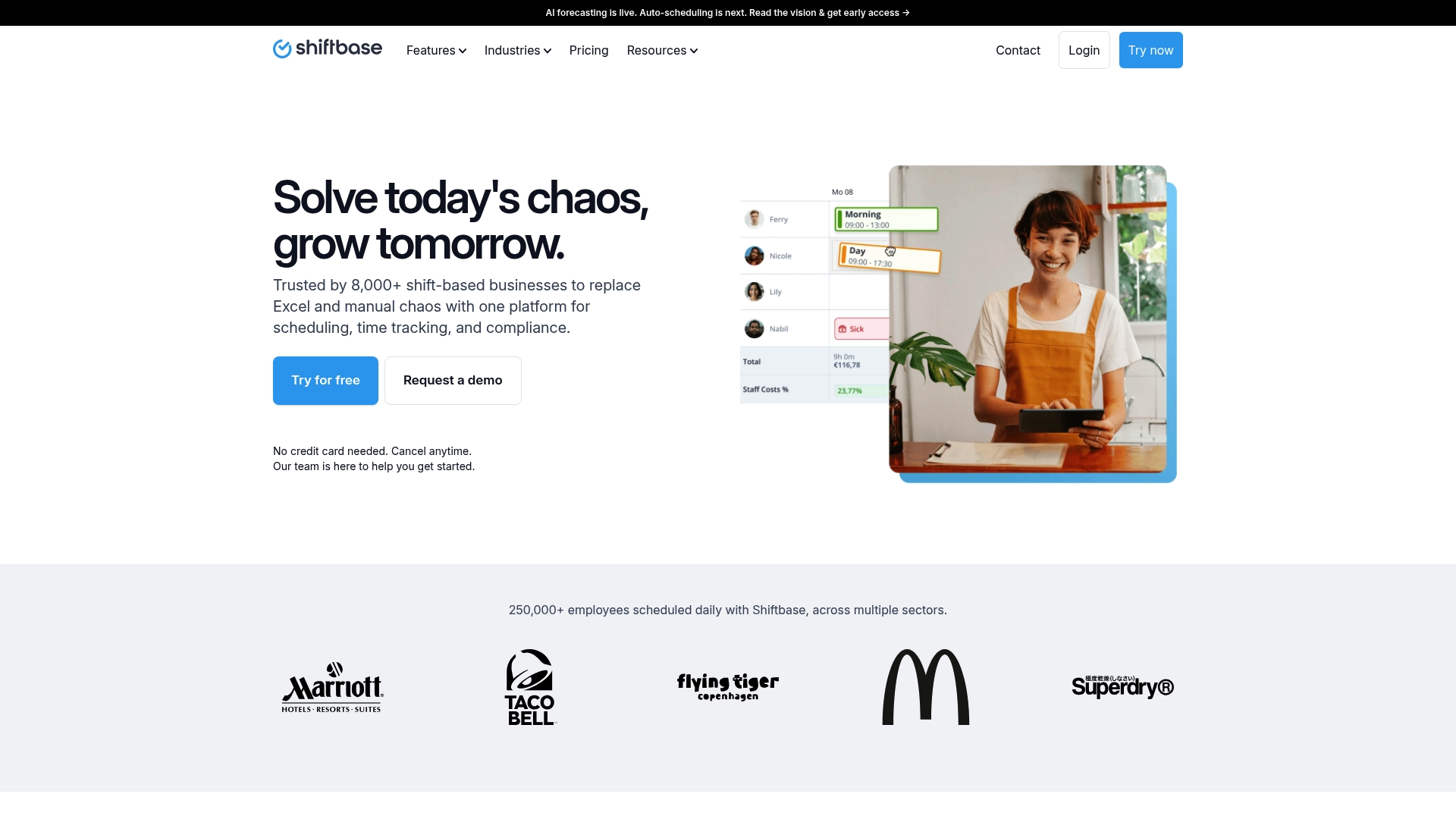
Payroll data can be automated from schedules and clock ins, linking rota records directly to payroll exports. The product targets businesses that run fixed shift patterns and need a single place for scheduling, time tracking, absence and basic HR tasks. It also supports mobile punch clock use via app and physical terminals.
Core Features
Shiftbase combines employee scheduling, time tracking, absence registration and HRM in one platform, and it links schedules to payroll through export or integration. The system offers a mobile punch clock for staff and terminal support, plus reporting tools for analytics and compliance. Managers can use the mobile app to approve hours and track attendance across sites.
Key Differentiator
Shiftbase aims to serve shift based industries by pairing scheduling and attendance with industry specific connections to other tools. The focus on linking rota records to payroll and on integrations such as Lightspeed and Personio sets it apart for operators who need payroll data to flow from shift records. That integration focus narrows its audience to shift heavy businesses.
Pros
Shiftbase gives a broad feature set that covers scheduling, time capture, absence management and basic HR tasks in the same place, which reduces dependence on separate spreadsheets and message chains. The interface is easy to use and the mobile app makes clocking in practical for dispersed teams. The vendor offers support and training during onboarding, and the platform emphasises legal compliance and reporting for labour rules.
Cons
- Pricing is not publicly listed. You must contact the vendor for a quote and plan details.
- Onboarding can be lengthy for larger sites with many employees and complex rules.
- Advanced customisation options are not clearly described in public materials, which may limit niche workflows.
When It May Not Fit
If your organisation needs transparent, listed pricing for quick budget comparison, Shiftbase may not fit. Very large employers with bespoke roster rules could find the configuration heavy and slow to change. If you require deep workflow customisation for a niche industry, the platform may lack the flexibility you need.
Notable Integrations
Shiftbase connects with payroll and operational tools used in retail and hospitality. Key partners include Lightspeed, Personio and Datafox, enabling payroll exports and HR synchronisation. Other supported integrations are Growzer, Formitable and Guestplan, which help link point of sale, reservations and HR data to rotas.
Who It’s For
Managers and HR teams in retail, hospitality, healthcare and similar shift based sectors will find Shiftbase relevant. It suits sites that need payroll ready time records, mobile clocking and absence tracking across multiple locations. Organisations that already use Lightspeed or Personio may gain the most value from the integrations.
Real World Use Case
A hotel chain uses Shiftbase to schedule housekeeping and front desk teams across several properties. Staff clock in with the mobile app and managers approve hours on the same platform. Payroll exports pull scheduled and actual hours into the payroll system, cutting manual entry and missing shifts.
Pricing
Pricing is not specified on the public site and appears to require contacting the vendor for a tailored quote. Expect the vendor to discuss site count, employee numbers and integration needs during the sales process. Ask for a written price schedule and any onboarding fees before committing.
Website: https://shiftbase.com
Tanda
At a Glance
Tanda lists a bundled HR, payroll and workforce management plan from $12.80+GST per user per month. The pricing point appeals to many Australian employers managing hourly staff. The platform combines rostering, payroll automation and employee self service in one package.
Core Features
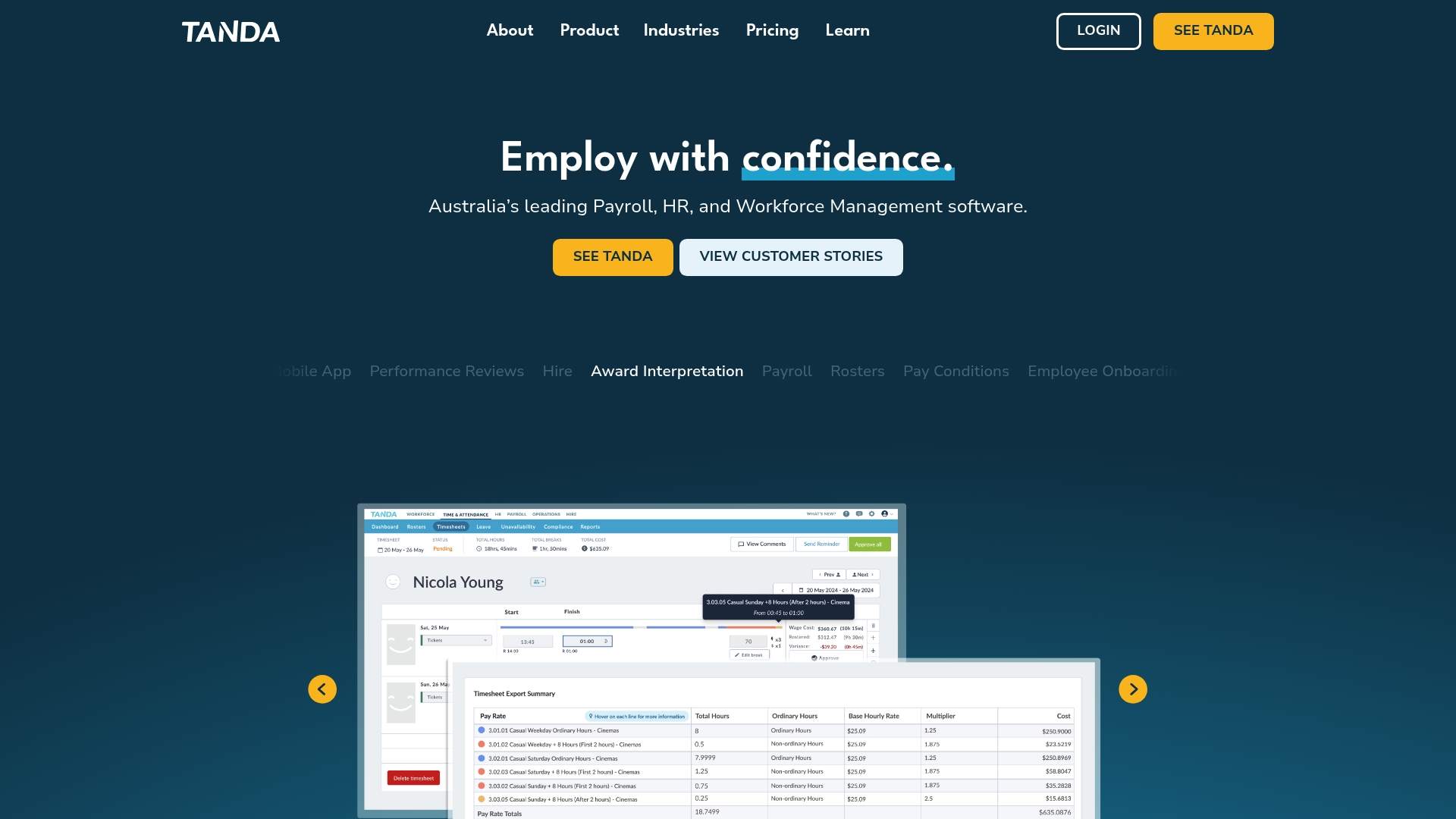
Tanda delivers demand based rostering, a time clock, and leave management alongside payroll processing that automates pay changes and STP filings. The platform also includes HR tools for onboarding, performance reviews and digital training, plus an employee portal and mobile app for shift management and messaging. Award interpretation runs in the background to apply Fair Work rules during pay calculations.
Key Differentiator
Tanda’s standout feature is its award interpretation that automates complex Australian pay calculations. That automation targets businesses subject to Fair Work awards and reduces manual pay rule lookups. For teams operating under varied award conditions this can cut payroll errors and review time.
Pros
Tanda combines rostering, payroll and HR into a single system, which reduces work across separate spreadsheets and tools. The payroll automation and award rules lower the risk of incorrect pay calculations and save administrative time. The employee self service tools improve shift visibility for staff and reduce routine queries.
Cons
- Customer support and product complexity have been flagged in third party reviews, which may mean a longer onboarding period for some teams.
- Some integrations appear to be region specific, so international connectivity can be limited.
- Pricing is not deeply itemised on the website, which can make cost planning harder for large or complex deployments.
When It May Not Fit
Tanda may not suit organisations operating outside Australia because support and legal rule sets focus on Australian employment law. International businesses needing local award logic will find customisation limited. Firms that require detailed, public pricing for budgeting may prefer vendors that publish modular rates.
Who It’s For
Australian businesses with hourly workers in hospitality, retail, healthcare or food services will find Tanda relevant. Managers who must apply Fair Work awards and reduce payroll errors will gain most. Smaller employers who want a single system for rostering and payroll also match the product profile.
Real World Use Case
According to the company, Craveable Brands saved millions and simplified scheduling across 600+ restaurants using Tanda. The vendor also reports that The Happy Apple cut payroll processing from hours to minutes. Those case studies illustrate how award automation and rostering can reduce admin for multi site hospitality groups.
Pricing
Tanda offers a bundle labelled HR plus Payroll plus Workforce Management starting at $12.80+GST per user per month. Individual module access is available by custom quote for businesses that prefer separate components. Contact sales for exact figures for larger teams or enterprise needs.
Website: https://tanda.com.au
Comparison of alternatives
For organisations that require a workforce management solution, evaluating the unique strengths and possible limitations of available platforms is critical to meeting operational objectives. Here, we contrast key features and considerations among popular scheduling software products, showcasing their applicability to various business contexts.
Multi-location coordination and transparency
TimeProf excels in delivering real-time visibility into multi-site staffing scenarios. The platform’s key differentiator, AI-driven conflict detection and fatigue scoring, automatically identifies and addresses scheduling risks before validation. For enterprises managing complex staff availability patterns, such proactive capabilities streamline operational planning and regulatory compliance.
However, alternatives such as When I Work are designed to be mobile-centric, aiding single-site and smaller-scale multi-site operations. Its simplified interface ensures a smooth user experience, albeit demanding higher connectivity standards. Additionally, Sling caters to small businesses prioritising affordability and straightforward implementations with its economical pricing tiers and intuitive interface.
Payroll integration and regulation compliance
Among the competitors, Tanda stands out with its Award Interpretation feature that automates payroll processes under Australia’s Fair Work regulations. This capability precisely ensures compliance and reduces the burden of manual calculations for employers. Alternatively, Shiftbase strengthens payroll data integration by exporting financial records directly from schedules and clock-ins, offering a practical solution for financial tracking.
Best fit
- Organisations prioritising compliance management and staff wellbeing practices can benefit considerably from TimeProf’s conflict detection and fatigue oversight mechanisms.
- Managers seeking a mobile-friendly, cost-effective scheduling solution will find When I Work a compelling option, with its intuitive setup and emphasis on flexibility.
- Small businesses requiring economical scheduling tools will appreciate Sling, particularly with its free tier for small teams.
- Entities operating under Australian Fair Work regulations can gain significant efficiency advantages from Tanda’s award interpretation capabilities.
- Businesses valuing extensive payroll integration options alongside scheduling should consider Shiftbase for its specialised features.
Our pick
TimeProf is our recommended selection for organisations that demand high compliance standards combined with multi-location scheduling oversight. Its AI capabilities, designed to detect potential risk factors during rota planning, save valuable time and enhance staff satisfaction. However, smaller teams with basic requirements or those located in areas with limited internet connectivity may find other solutions better aligned with their particular needs.
The following table compares employee scheduling platforms across core features, pricing, and limitations.
| Product | Key Differentiator | Best For | Pricing | Notable Limitation |
|---|---|---|---|---|
| Timeprof | AI-driven conflict detection and fatigue scoring. | Multi-site businesses needing compliance controls. | £3.99 per staff per month. | Steep onboarding curve for some users. |
| When I Work | Mobile-centred scheduling with integrated communication. | Shift-based teams in retail or hospitality sectors. | Starting at $2.50 per user/month | Limited advanced customisation in base tiers. |
| Sling | All-in-one scheduling with labour cost management tools. | Small to medium businesses in service industries. | Free for up to 30 users. | Complex pricing tiers can be confusing. |
| ZoomShift | GPS-verified attendance with drag-and-drop scheduling. | Store and restaurant managers with mobile teams. | Starting at $2 per user/month. | Limited reporting and advanced automation. |
| Shiftbase | Payroll integration features tailored for shift heavy industries. | Retail, healthcare, and hospitality sectors. | Price not published. | Lack of detailed public pricing structure. |
| Tanda | Award interpretation automates complex pay calculations. | Australian employers needing accurate payroll handling. | $12.80+GST per user per month. | Focused on Australian employment laws. |
Challenges Faced by Medium to Large Multi-Site Managers with rotasheet.com Alternatives
Managers of medium to large organisations juggling multiple sites often struggle with fragmented systems for rota planning, attendance, and compliance. Relying on spreadsheets, phone calls and disconnected apps leaves room for errors, late shift changes and missed compliance checks. Timeprof addresses these pain points by uniting intelligent shift planning, real-time clocking with geofence protection, and audit-ready compliance reporting into one mobile-friendly platform. The platform’s AI-driven conflict detection reduces tiredness risk and shift clashes, so managers avoid costly mistakes before publication.

For HR and operations managers in sectors like care, hospitality and security, Timeprof offers a trusted source of truth across sites and teams. See how our system replaces scattered tools with one reliable platform at Timeprof Workforce Management and save time managing shifts, leave and compliance. Book a demo and validate your next rota faster with intelligent automation that matches staff skills, availability and fatigue tolerance.
FAQ
What makes Timeprof suitable for managing multi-site operations?
Timeprof provides real-time staffing across multiple sites, ensuring proper coverage and compliance. It features geofence protected time tracking and a mobile-friendly staff portal, which is ideal for organisations needing flexible scheduling solutions. This means you can easily monitor and manage staff attendance and availability, making it a reliable choice for diverse operations.
How does Timeprof’s pricing compare to competitors like When I Work?
When I Work starts at $2.50 per user per month and is known for its mobile-first approach aimed at shift-based teams. Timeprof, on the other hand, begins at £3.99 per staff per month with a £99 setup fee for certain plans, targeting organisations that require more advanced workforce management features. This pricing may reflect Timeprof’s comprehensive functionalities designed for complex scheduling needs.
Can Timeprof help ensure compliance in workforce management?
Yes, Timeprof includes audit-ready compliance reporting that minimises administrative burdens while ensuring adherence to regulations. Its features, like AI-driven conflict detection and fatigue scoring, proactively address scheduling conflicts and staff well-being. This ability to create compliant schedules can satisfy regulator expectations effectively.
Which competitor excels in ease of use for smaller teams?
When I Work has a reputation for its straightforward interface, making it easy for hourly staff to adopt. Timeprof, while powerful, may present a steeper onboarding curve for teams with less complex scheduling needs. If ease of use is a priority for your smaller team, When I Work may be more appropriate.
How does Timeprof support shift validation against staff availability?
Timeprof offers automatic shift validation that ensures staff availability and skills are checked when creating rotas. This feature significantly reduces conflicts and improves operational efficiency, which is beneficial for organisations that need to maintain a compliant and efficient workforce.